Employee Guide: Benefit Enrollment
Login: iPhone App Android App
Or on a computer visit:
www.myisolved.com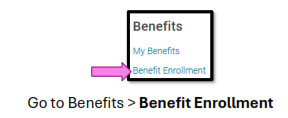
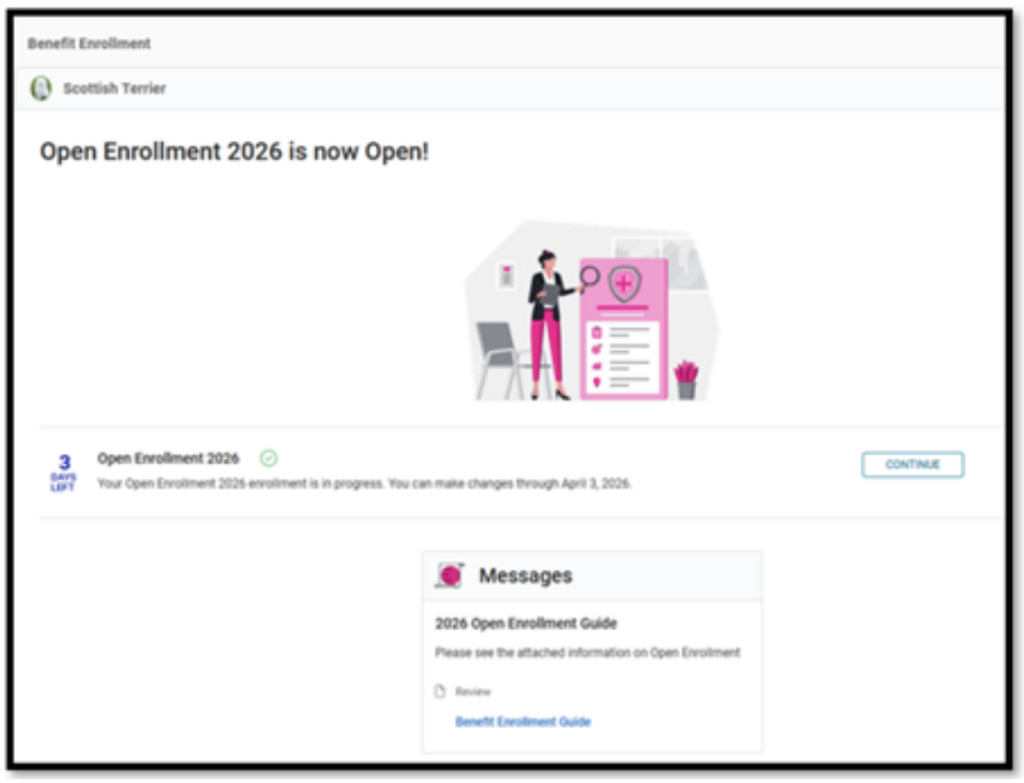
Click Start. You can also download the Benefit Guide.
Open Enrollment 2026–2027 is now Open!

Employee Guide: Benefit Enrollment
Login: iPhone App Android App
Or on a computer visit:
www.myisolved.com
Click Start. You can also download the Benefit Guide.
Open Enrollment 2026–2027 is now Open!